IntelliJ IDEA’s Java & Kotlin LSP Extension Brings Full IDE Intelligence to VS Code and Cursor
JetBrains releases a preview LSP extension that brings IntelliJ IDEA’s Java and Kotlin smart features to VS Code, Cursor, and agentic workflows.
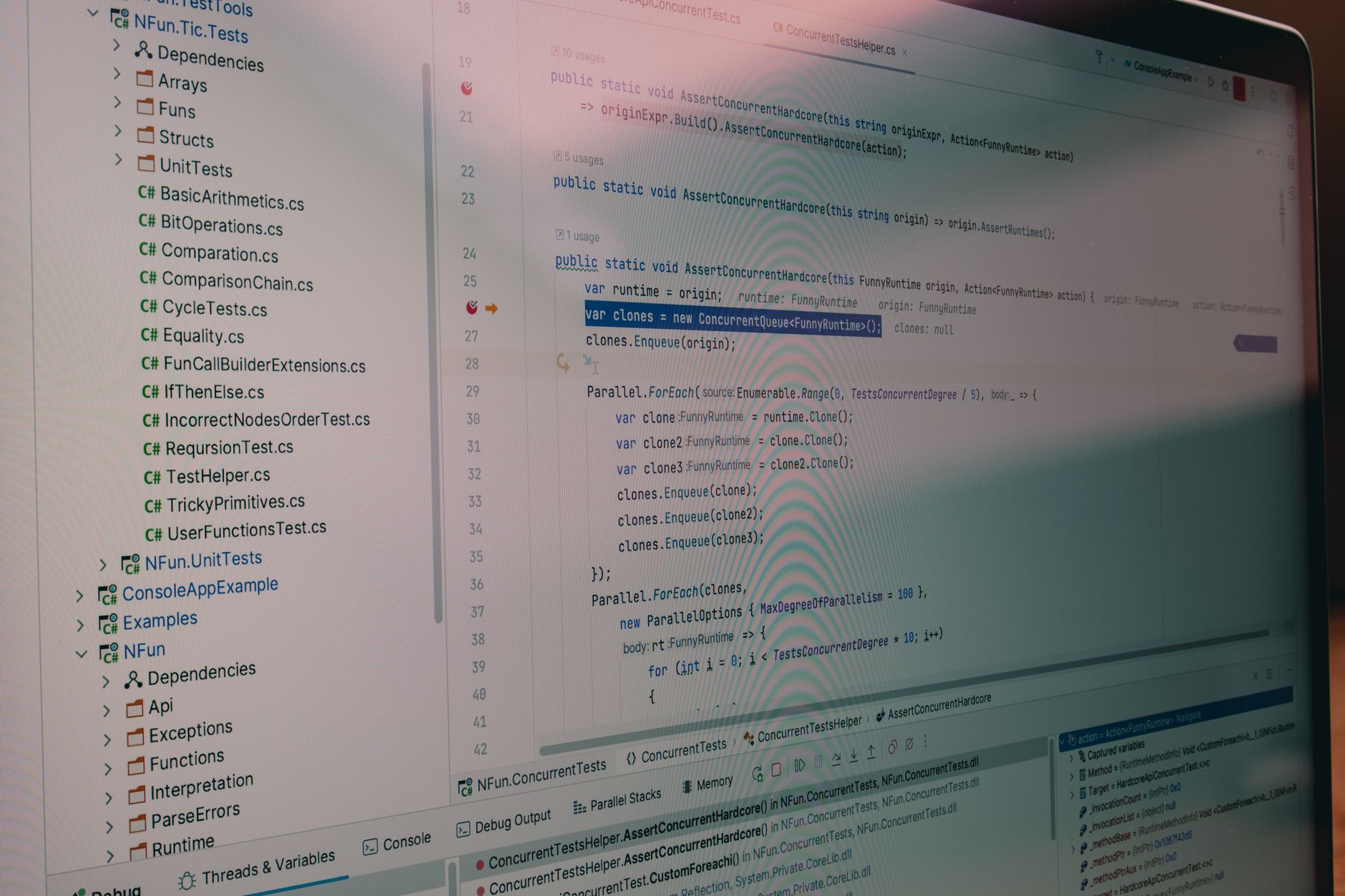
Developers using lightweight editors have long missed the deep code insight that IntelliJ IDEA provides. JetBrains just announced a preview LSP extension that brings Java and Kotlin intelligence to VS Code, Cursor, and other LSP‑compatible tools. The move aligns IDE power with the rise of agentic development, where AI agents handle much of the coding work. By exposing smart completion, navigation, and analysis through LSP, the extension promises to boost productivity without the overhead of a full IDE. Early trials suggest noticeable gains for terminal‑based AI workflows.
What happened
JetBrains released a preview “Java & Kotlin by IntelliJ IDEA” extension, now listed in the Visual Studio Marketplace and the Open VSX registry. The extension implements IntelliJ’s language server for Java and Kotlin, exposing smart code completion, navigation, and on‑the‑fly analysis to any LSP‑compatible editor.
The server automatically imports Maven, Gradle, or Bazel projects and supports mixed‑language codebases, delivering fast performance even on large monorepos. JetBrains also shared early internal trials where AI agents using the LSP server completed tasks with lower token consumption and higher determinism.
Why it matters
Bringing IntelliJ‑grade intelligence to lightweight editors lowers the barrier for developers and AI agents to access advanced language features without launching a heavyweight IDE. This can reduce context‑switching, speed up agentic workflows, and make Java/Kotlin development more accessible in cloud‑based or terminal‑centric environments.
- Rich IntelliJ‑level code analysis in VS Code
- Works with Maven, Gradle, Bazel projects out of the box
- Improves AI‑agent workflows by reducing token usage
- Preview release – may lack full feature parity
- Requires download of IntelliJ backend services
- Limited to Java and Kotlin for now
How to think about it
Start by installing the extension in a non‑critical project to gauge performance and feature coverage. Compare its code‑completion and navigation against the full IDE to decide if it meets your daily needs. If you rely heavily on AI‑driven coding, test the LSP server’s impact on token consumption in your agentic pipelines. Keep an eye on JetBrains’ upcoming updates, as feature parity will grow over time.
FAQ
Can the LSP extension replace the full IntelliJ IDEA IDE?+
Which editors are currently supported?+
Do I need an IntelliJ IDEA license to use the extension?+
Get the week’s most important gadget news and reviews in one short email. Free, and no spam.
Newsletter signup is temporarily unavailable.
- news·3 min readWestern Digital Shares Slide After 44% Revenue Surge Beats Estimates
Western Digital's stock fell sharply despite a 44% revenue jump and earnings beat, as investors focus on rival performance and market sentiment.
- news·2 min readPractical Strategies for Detecting Non‑existent Bugs in Complex Systems
Learn actionable techniques to identify phantom bugs, avoid wasted effort, and improve system reliability.
- news·3 min readWhy Embracing a Messy Git History Can Boost Team Velocity in Modern Development
Explore the trade‑offs between clean and messy Git histories and how accepting the latter can keep workflows resilient.